

The Premier Open-Source AI Code Assistant
Transform Your Coding Workflow
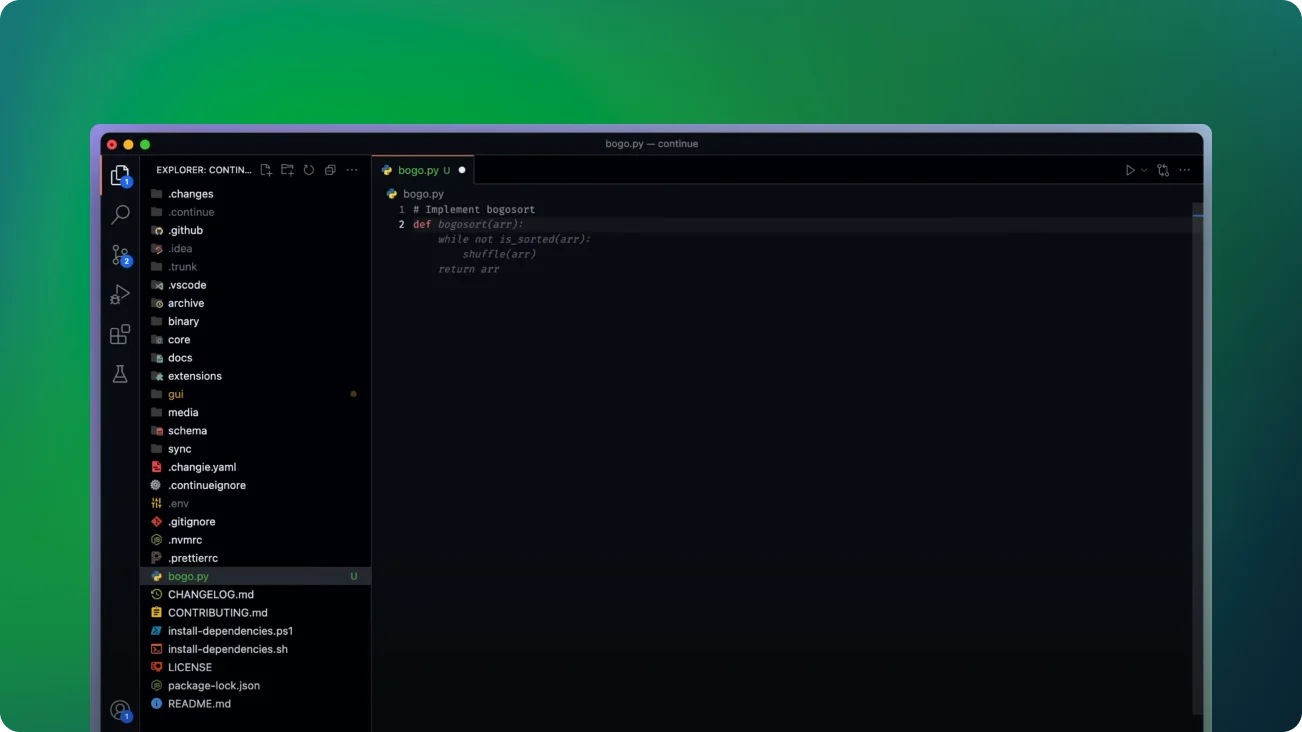
Continue is a top-tier open-source AI tool that enhances coding productivity and comprehension. It provides customizable autocomplete and chat features within leading IDEs such as VS Code and JetBrains, seamlessly fitting into your development process.
Key Highlights
- Versatile Model Integration: Connect any AI model, whether open-source, commercial, local, or remote.
- Context-Aware: Enhance code suggestions and interactions by integrating various contexts.
- Multi-Functional: Use it for chat, autocomplete, or embeddings, catering to your needs.
Boost Your Coding Productivity
- Code Comprehension: Quickly understand complex code segments with AI-powered explanations.
- Smart Autocomplete: Save time and reduce errors by using autocomplete for code suggestions.
- Intelligent Refactoring: Refactor your code instantly as you work.
- Codebase Q&A: Ask questions about your project and receive accurate, context-aware responses.
- Documentation Support: Easily access documentation to enhance your queries.
- Slash Commands: Perform tasks quickly with customizable slash commands.
- Expanded Context: Add classes, files, and other elements to provide the AI with a comprehensive context.
- Error Diagnosis: Understand terminal errors instantly with AI-driven insights.
Customization and Adaptability
- Model Selection: Pick the most suitable AI model for every task to balance performance and cost.
- Workflow Integration: Tailor the tool to suit your current development workflows.
- Context Adjustment: Adjust the context provided to the AI for more precise assistance.
Getting Started
- Install Continue in your preferred IDE (VS Code or JetBrains).
- Set up your chosen AI models and contexts.
- Begin coding with improved productivity and deeper code understanding.
Why Opt for Continue?
- Open-Source: Enjoy community-driven development and transparency.
- Flexibility: Adapt to a wide range of coding languages and scenarios.
- Productivity: Cut down development time while improving code quality.
- Continuous Improvement: Stay updated with the latest coding techniques and patterns.
Experience the future of coding with Continue. Enhance your development process, gain valuable insights into your code, and develop with confidence, powered by AI.