

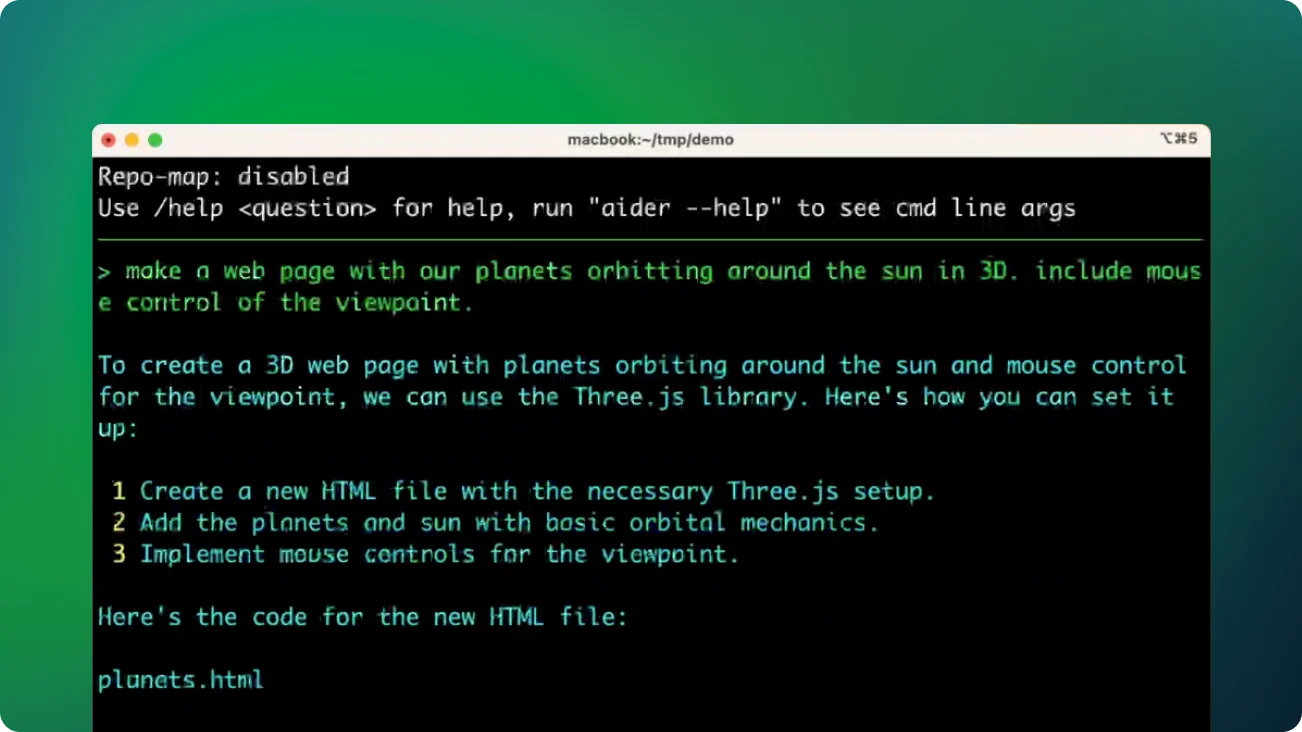
Aider: AI-Powered Pair Programming in Your Terminal
Introduction
Aider is a robust AI pair programming tool designed to seamlessly integrate with your terminal and local git repository. It aims to improve your coding experience by enabling collaboration with Large Language Models (LLMs) directly within your development environment. Whether working on a new project or an existing codebase, Aider delivers smart support to enhance your productivity.
Core Features
- Diverse Language Support Aider supports numerous popular programming languages, including:
- Python
- JavaScript
- TypeScript
- PHP
- HTML
- CSS
- And more…
- Advanced LLM Integration Aider works best with GPT-4o and Claude 3.5 Sonnet, but is compatible with most LLMs, offering flexibility in choosing your AI assistant.
- Effortless Git Integration Aider automatically commits changes with appropriate commit messages, preserving a clean history of AI-assisted modifications.
- Multi-File Editing Aider allows you to edit multiple files at once, useful for complex requests, and maps out your entire git repository for better context in larger codebases.
- Interactive Coding Experience Edit files in your preferred editor while collaborating with Aider. Real-time syncing ensures Aider always works with the latest version of your code.
- Multimedia Support You can add images to your chat (works with GPT-4o, Claude 3.5 Sonnet, etc.) and include URLs to allow Aider to read and process web content.
- Voice Coding Aider enables voice-based coding, improving accessibility and offering a new, convenient approach to development.
How to Use Aider
- Start Aider Launch Aider by running the command followed by the files you wish to edit:
aider file1.py file2.js ... - Request Changes At the
aider>prompt, ask for code modifications or assistance. - Review Changes Aider will show diffs of the suggested modifications.
- Automatic Commits All changes are committed automatically to your git repository.
- Undo Option Use the
/undocommand to revert any unwanted AI changes.
Advanced Features
- File Management Add more files to your session using the
/addcommand. Aider intelligently incorporates content from related files for better context. - Model Switching Start with a specific model:
aider-4ofor GPT-4o oraider-sonnetfor Claude 3.5 Sonnet. You can also switch models mid-session using the/modelcommand. - Voice-to-Code Program using voice commands with Aider, enhancing accessibility and providing an innovative coding experience.
- Image and Web Integration Add images to your coding session for visual context and include URLs to incorporate web content into your workflow.
- Browser Interface Aider can be used directly in your browser, offering a familiar interface for web development.
- Customization Define coding conventions to maintain consistency and integrate with linting and testing tools for quality control.
Conclusion
Aider is shaping the future of AI-assisted development by bringing advanced language models directly into your workflow. By combining natural language processing with coding practices, Aider simplifies the development process, tackles complex tasks, and boosts productivity. Whether you’re an experienced developer or a beginner, Aider is a valuable partner in your coding journey.